




About Course
Goal: Teach how to create engaging social media content for brand visibility.
Week 1 – Visual Branding
Day 1: Understanding visual marketing
Day 2–3: Setting up a brand kit in Canva
Day 4: Designing Instagram posts & stories
Day 5: Creating Facebook covers & ads
Day 6: YouTube thumbnails & channel art
Day 7: Pinterest and LinkedIn graphics
Week 2 – Campaign Creation
Day 8–9: Animated posts & short video designs in Canva
Day 10: Carousel posts for Instagram & Facebook
Day 11: Creating ad banners
Day 12: Social media templates & scheduling
Day 13: Building a full week’s content plan
Day 14: Final project – 7-day social media campaign
Course Content
Canva for Social Media Marketing
-
Module 1: Introduction & Canva Basics
-
Lesson 2: Brand Consistency in Social Media
-
Module 2: Designing Static Social Media Posts
-
Lesson 4: Design for Engagement
-
Module 3: Platform-Specific Design
-
Week 2 – Video, Scheduling & Advanced Tools
-
Module 4: Animated & Video Content
-
Lesson 7: Social Media Video Creation
-
Module 5: Content Planning & Scheduling
-
Lesson 9: Collaboration & Teamwork
-
Module 6: Export, Optimization & Performance
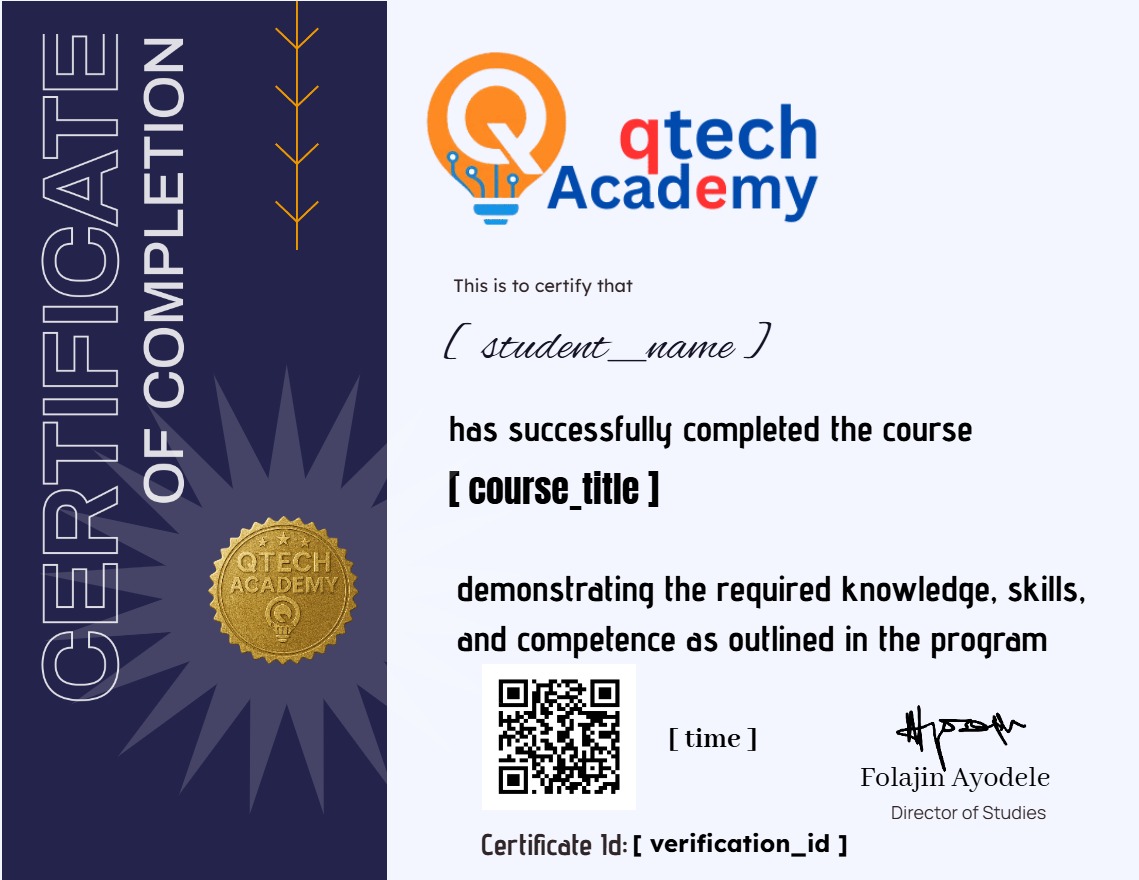
Earn a certificate
Add this certificate to your resume to demonstrate your skills & increase your chances of getting noticed.
Student Ratings & Reviews

No Review Yet