




Course Prerequisite(s)
- Please note that this course has the following prerequisites which must be completed before it can be accessed
-
 Qtech Academy onboarding
About Course
PROFESSIONAL / CERTIFIED WIFI/4G SECURITY CAMERA INSTALLATION
In today’s world, security is no longer optional — it is essential. With the rise of smart technologies, WiFi and 4G-enabled security cameras have become the backbone of modern surveillance, offering remote access, real-time monitoring, and advanced features that traditional CCTV systems cannot match.
This Professional / Certified WiFi & 4G Security Camera Installation Course is designed to equip you with the practical skills and technical expertise required to install, configure, and maintain next-generation surveillance systems. Whether you’re a beginner eager to enter the booming security industry or a technician seeking to upgrade your skills, this program provides the right balance of theory, hands-on practice, and industry insights.
By the end of this course, you will:
-
Understand the fundamentals of WiFi/4G surveillance technology.
-
Learn how to professionally install and configure smart cameras.
-
Gain expertise in remote monitoring, troubleshooting, and client support.
-
Earn a recognized certificate that validates your competence as a trained installer.
With practical demonstrations, real-life case studies, and expert guidance, this training empowers you to deliver reliable, professional, and future-ready security solutions for homes, businesses, and organizations.
Course Content
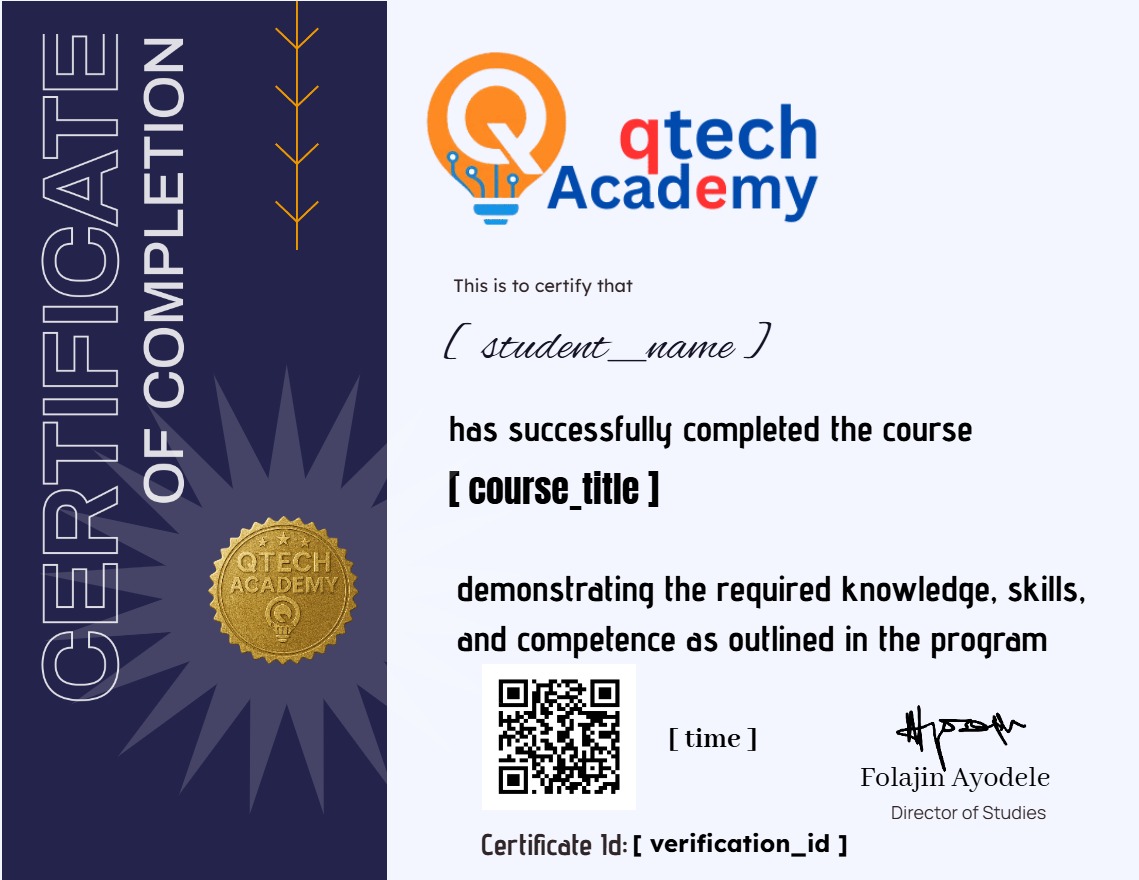
Earn a certificate
Add this certificate to your resume to demonstrate your skills & increase your chances of getting noticed.
Student Ratings & Reviews